Remove a photo background
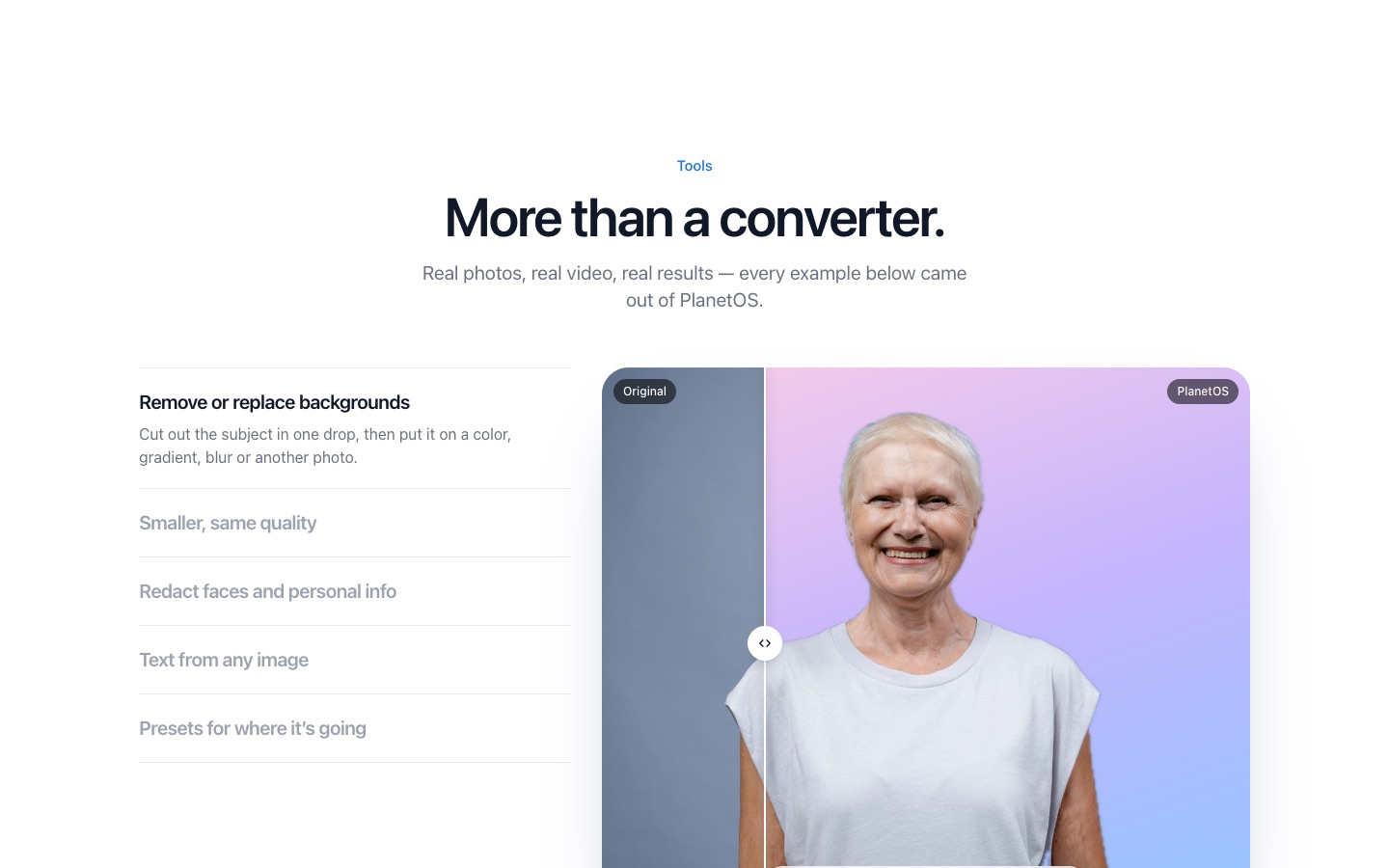
Drag the photo, tap the Tools key (Command on a Mac, Alt on Windows and Linux) and drop it on Remove background. PlanetOS finds the subject and saves a PNG with a transparent background next to the original.
How it works
- 1
Start dragging the photo.
- 2
Tap Command (Mac) or Alt (Windows, Linux).
- 3
Drop it on Remove background for a transparent PNG, or on New background… to put the subject on white, a gradient, a blurred version of the photo or a different picture.
What it's good at
People, pets, products and most objects with a clear outline. Hair and fur come out well when they stand out against the background. Busy scenes with several overlapping subjects are harder, as with every automatic tool.
It runs on your computer. Portraits, passport photos and pictures of your kids don't go to a web service to be processed.
PlanetOS does all of this on your computer. Your files are never uploaded, and it works without an internet connection.
Questions
What format is the result?
A PNG, because PNG keeps transparency. Convert it to WebP if you need a smaller file.
Is there a watermark or credit system?
No. Each background removal counts as one action: free users get 5 a week, Pro is unlimited.
Does it work offline?
Yes.