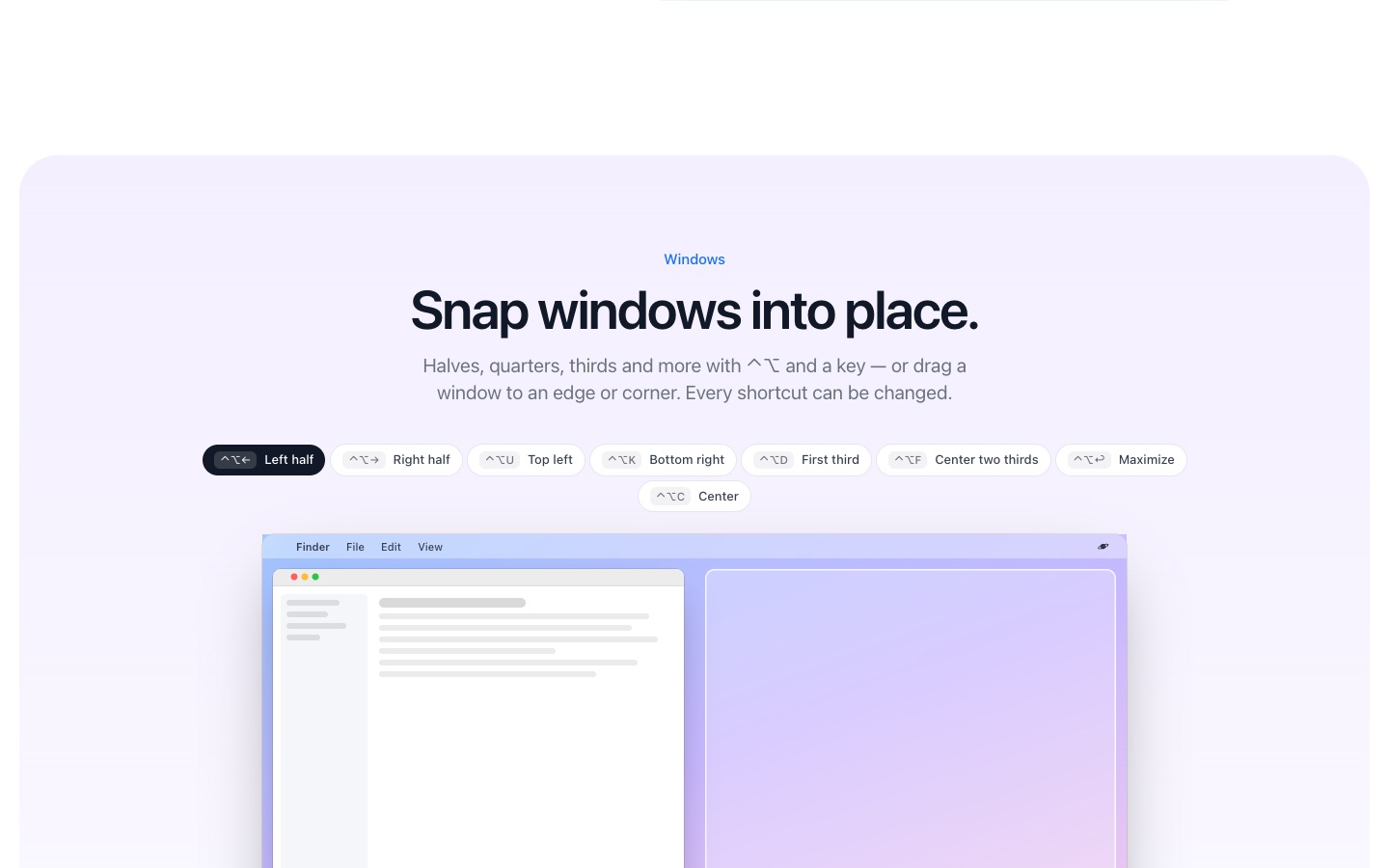
Snap windows into place
PlanetOS can arrange windows for you: press Control + Option + an arrow on a Mac (Ctrl + Alt + arrow on Windows and Linux) to put the front window on that half of the screen, or drag a window to a screen edge. It's off until you turn it on in Settings → Windows.
How it works
- 1
Open PlanetOS Settings → Windows and turn on window management. On a Mac, allow Accessibility access when asked.
- 2
Press ⌃⌥← or ⌃⌥→ (Ctrl+Alt+arrow on Windows and Linux) for halves, and the other shortcuts for quarters, thirds, center and maximize.
- 3
Or drag a window to an edge or a corner of the screen. Hold Shift while dragging to choose from a wheel of layouts.
Layouts
Halves, quarters, thirds and two-thirds, center and maximize. Press the same shortcut again and a half becomes two thirds, then one third. You can leave gaps between windows and exclude apps you don't want touched.
Every shortcut can be recorded again in Settings, so it won't clash with what you already use.
PlanetOS does all of this on your computer. Your files are never uploaded, and it works without an internet connection.
Questions
Is it included in the free version?
Yes, window snapping doesn't use up actions.
Does it work with several monitors?
Yes, windows snap within the screen they're on.
Mac only?
No, it works on Windows and on Linux (X11) too. See snapping windows on a Mac.